When you are putting together an operator panel for a machine or a training bench, the HMI is the part operators interact with all day. It shows machine status, lets them acknowledge alarms, and gives you a window into the PLC logic. In the PLC/HMI space, two different approaches stand out: the Allen Bradley PanelView 800 Trainer, which is packaged as a teaching kit, and the Siemens SIMATIC HMI KTP700, a touch screen with a specific controller platform focus. The decision between them is less about brand loyalty and more about whether you need a complete bundle or a focused panel component.
Quick verdict
If you want a complete training station with a 7-inch Ethernet color HMI and the supporting pieces to start practicing right away, the Allen Bradley PanelView 800 Trainer is the clear choice. If you need a SIMATIC touch screen and don't need trainer extras, the Siemens SIMATIC HMI KTP700 is the straightforward pick.
Price comparison
| Product | Listed Price | Price Position |
|---|---|---|
| Allen Bradley PanelView 800 Trainer 2711R-T7T | USD 949.99 | |
| Siemens SIMATIC HMI KTP700 (6AV2123-2GB03-0AX0) | USD 614.00 |
Where each product wins
Allen Bradley PanelView 800 Trainer wins when the job is teaching and hands-on setup. The kit comes with the HMI and the components you need to assemble a working station, with one software environment covering the HMI and PLC side.
Siemens SIMATIC HMI KTP700 wins when you are already working in a Siemens control environment. This KTP700 is a focused panel component, so it suits an existing control cabinet better.
Product notes
Allen Bradley PanelView 800 Trainer 2711R-T7T
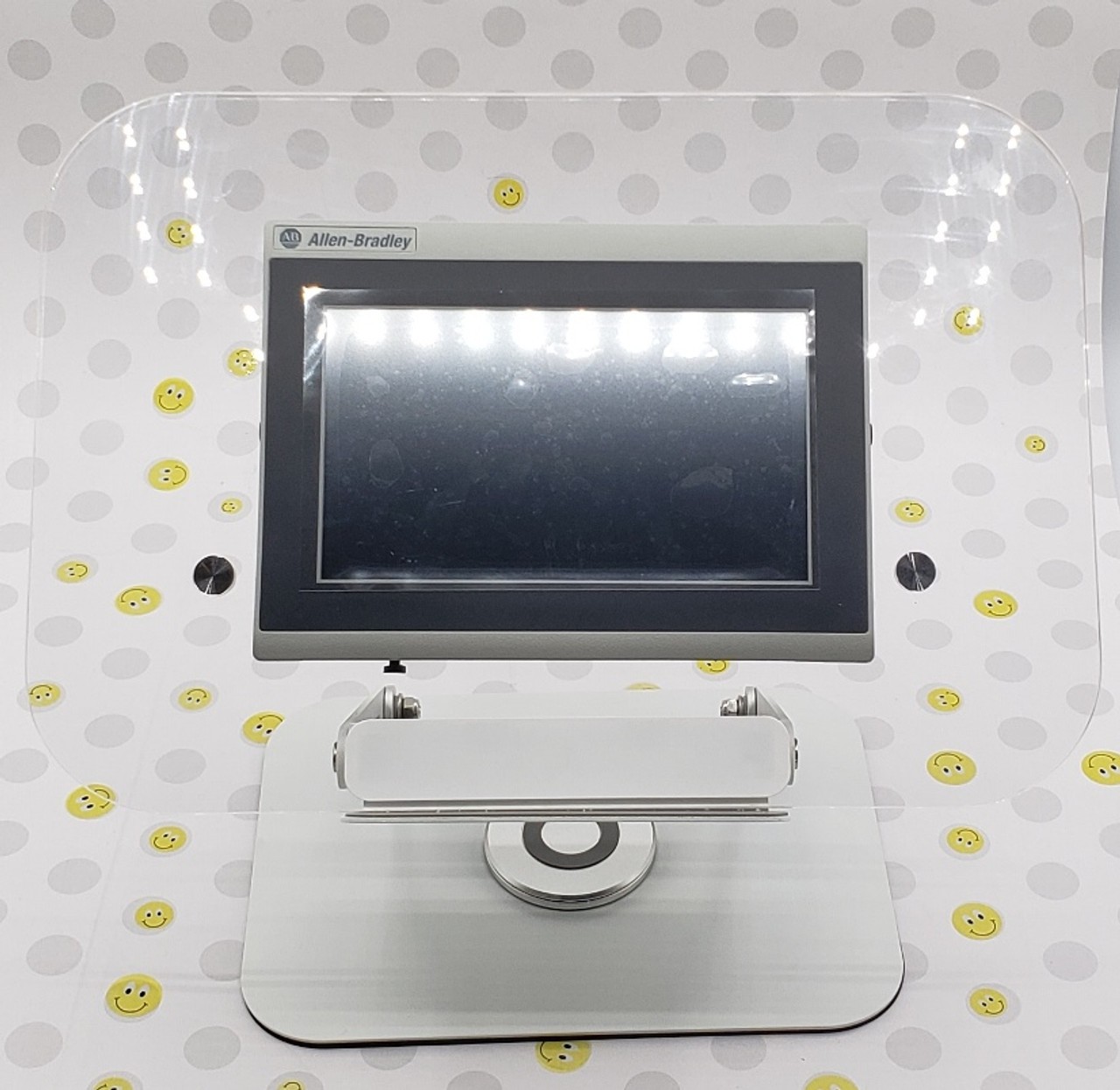
The Allen Bradley PanelView 800 Trainer is built around the 2711R-T7T, a 7-inch Ethernet color HMI, and it comes as a teaching bundle with a training swivel base, a power supply, an Ethernet cable, and manuals. For a technician or student learning PanelView, that means the physical pieces are already matched to the screen. The bundle also points to CCW, the free programming software that covers the HMI and PLC side, and recommends using an Ethernet switch or router with a static IP, so the setup path is clearly spelled out. The trade-off is that this is a trainer kit, not a bare replacement screen: it includes more than a basic panel install may need. Lessons are not included, so you'll be relying on Allen Bradley's own resources and your computer for programming. If you're setting up a teaching station, that trade-off is usually worth it.
Siemens SIMATIC HMI KTP700 (6AV2123-2GB03-0AX0)
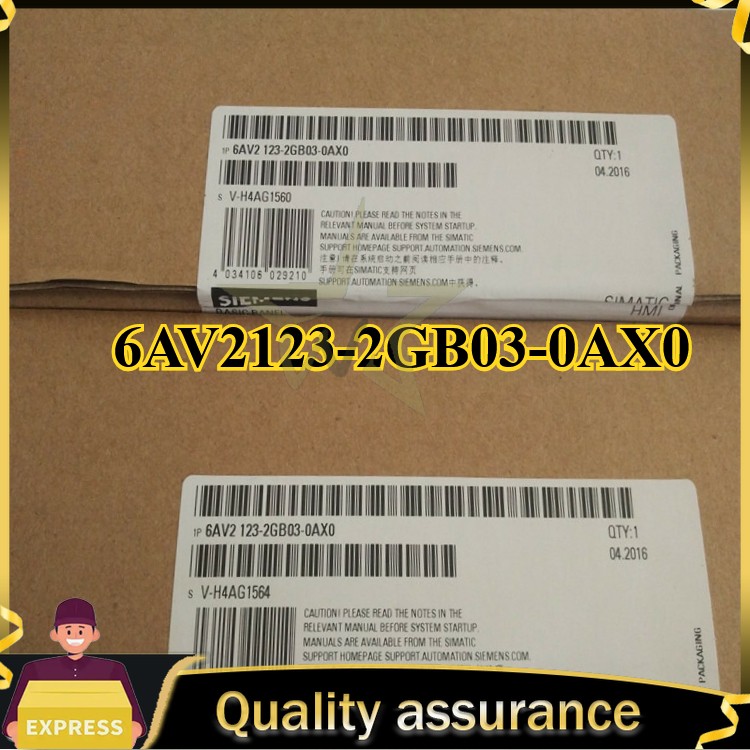
The Siemens SIMATIC HMI KTP700, identified by part number 6AV2123-2GB03-0AX0, is a touch screen aimed squarely at the S7-300 controller platform. That platform link is the strongest reason to choose it: if your control system already uses Siemens S7-300, this HMI is matched to the same controller family, so it fits the architecture without translation. The HMI is specified with AC current and a German country of origin, and it is presented as a panel component rather than as a training bundle. The flip side is that it is a component-level HMI, not a training solution, so you should plan the rest of the panel around it. For someone who already has a Siemens cabinet, that is a clean, focused buy.
Final choice by use case
Choose the Allen Bradley PanelView 800 Trainer if you want a self-contained teaching rig: you get the HMI and the kit pieces in one package, and you can drive it with the free CCW software. Choose the Siemens SIMATIC HMI KTP700 if your control platform is S7-300 and you want a touch screen that matches that architecture without the extra trainer kit. For a training bench, the Allen Bradley bundle is the clearer path. For an existing S7-300 panel, the Siemens screen is the more direct fit.