When you're assembling a control panel for industrial automation, the HMI is the operator's main window into the machine. The challenge is that PLC HMI choices span a broad range of options, and the right pick depends on how well the touch screen matches the controller platform and the project budget. Here, the Delta DOP-107EG and the Siemens SIMATIC KTP700 take two very different approaches.
Quick verdict
If you want the simplest path to an operator interface, the Delta DOP-107EG is the clear pick. If you need a panel that lines up with a Siemens-centric control environment, the SIMATIC KTP700 is the more direct match. The rest of this guide helps you decide which alignment matters more.
At a glance
| Delta DOP-107EG | Siemens SIMATIC KTP700 | |
|---|---|---|
| Listed price | USD 190.40 | USD 614.00 |
| Price bar | ||
| Controller platform | Automate | S7/300 |
| Country of origin | Taiwan | Germany |
Where the Delta DOP-107EG wins
The Delta is the clear price leader in the comparison table, with a listed price about USD 424 below the Siemens. For a small panel build, that difference is meaningful. It is the purpose-matched pick for the controller environment shown in the table, and its lower price leaves room for other panel components. If you are building a simple operator station, the Delta avoids tying up capital in the HMI before you even buy the controller.
Where the Siemens SIMATIC KTP700 wins
The Siemens is the stronger choice when your automation environment is built around the controller platform shown in the table. The SIMATIC name and the explicit platform reference make it the easier compatibility story for Siemens-centric shops. That alignment can reduce integration guesswork. If the rest of the cabinet already speaks the same PLC language, adding a panel from the same controller family is often the path of least resistance.
Product notes
Delta DOP-107EG HMI Touch Screen
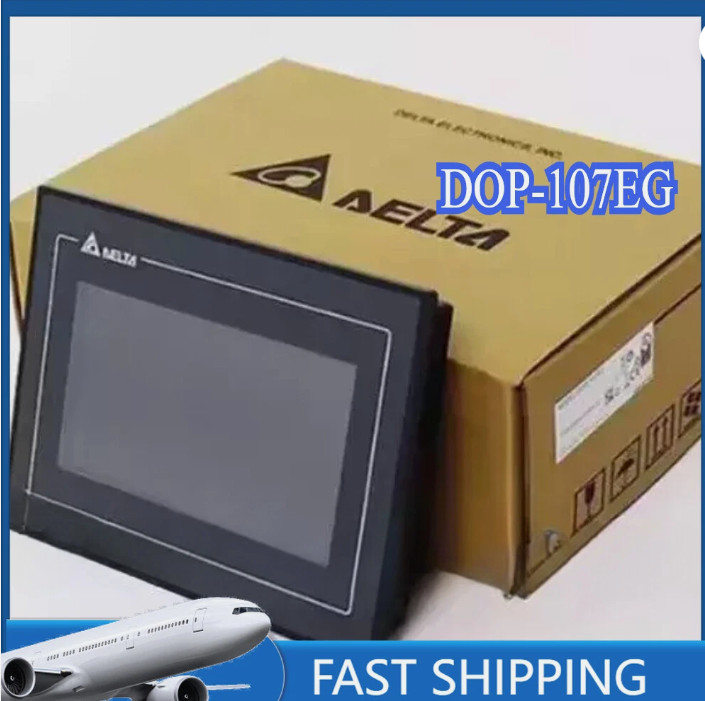
The Delta DOP-107EG suits a smaller, Automate-based control panel. The Automate controller platform reference suggests it is aimed at a lighter-weight automation setup, which can make it a straightforward first choice if your machine already runs on that ecosystem. The limitation is that this platform familiarity is narrower than the Siemens world; if your plant standardizes on Siemens controls, the Delta is not the panel that bridges that gap. It is a focused HMI that fits best when you are comfortable with the Automate environment.
Siemens SIMATIC HMI KTP700 Touch Screen
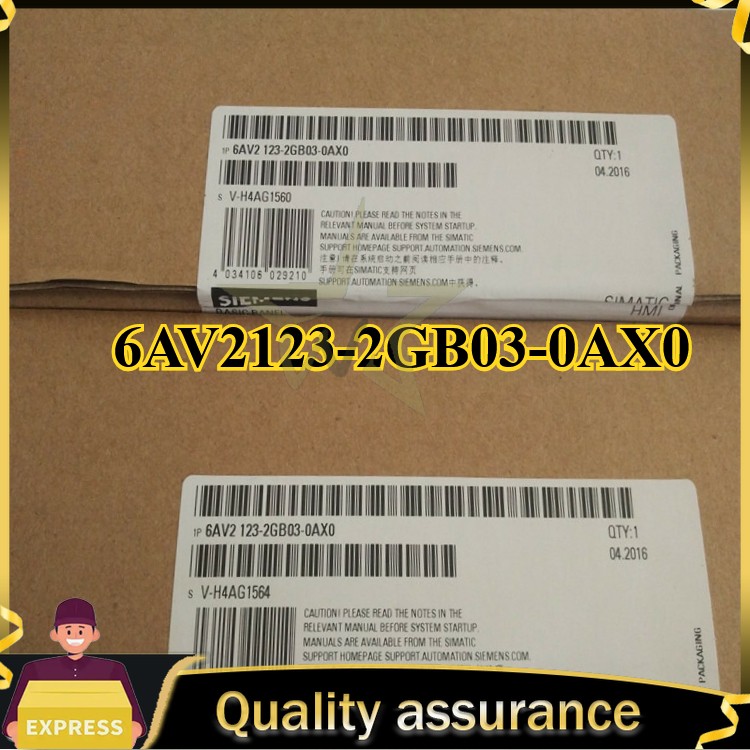
The Siemens SIMATIC KTP700 Touch Screen targets the S7/300 controller platform. If your control system is built around Siemens S7-300, this panel is the more direct match and the one your maintenance team will likely expect to see. The limitation is that the S7/300 target is specific; if your controls are outside the Siemens S7-300 family, this panel is less of a natural fit. For a Siemens-centric cabinet, the direct compatibility makes it the stronger fit. For a mixed-automation shop, it only makes sense when controller compatibility takes priority.
Final choice by use case
Choose the Delta DOP-107EG HMI when the controller environment matches its specs. Choose the Siemens SIMATIC KTP700 Touch Screen when you want the HMI to match the Siemens controller family. If you have not committed to a controller platform yet, the Delta is a reasonable starting point while you sort out the rest of the panel. If the cabinet is already built around Siemens controls, the KTP700 is the one that fits the scheme. For most buyers, the decision comes down to which controller platform is already in the cabinet.