Quick Take
If you're setting up a PLC-based control panel, the HMI is the layer where operators see alarms, values, and machine state. The four products here range from a $50 interface development kit to a $4,200 safety training rig, so the right pick depends on whether you need a production touch panel, a learning environment, or a small experiment board.
Price Comparison
| Product | Price | Price Bar |
|---|---|---|
| CROUZET MTP8/70 HMI 88970496 / 88970495 User KIT | USD 1,971.92 | |
| 6AV6641-0CA01-0AX1 Siemens HMI Touch Panel | USD 685.35 | |
| Trainer KIT / XS26-2DE / Safety Controller / HMI | USD 4,200.00 | |
| Infineon Technologies KIT_XMC4X_HMI_OLED_001 | USD 50.00 |
Decision Matrix
| Your Use Case | Start With |
|---|---|
| Fast work on a Siemens SIMATIC panel | 6AV6641-0CA01-0AX1 |
| Full touch-panel user kit for Millenium 3 | CROUZET MTP8/70 |
| Learn safety logic and HMI communication | Trainer KIT / XS26-2DE |
| Low-cost OLED interface exploration with Infineon MCU | KIT_XMC4X_HMI_OLED_001 |
Product Notes
CROUZET MTP8/70 HMI 88970496 / 88970495 User KIT
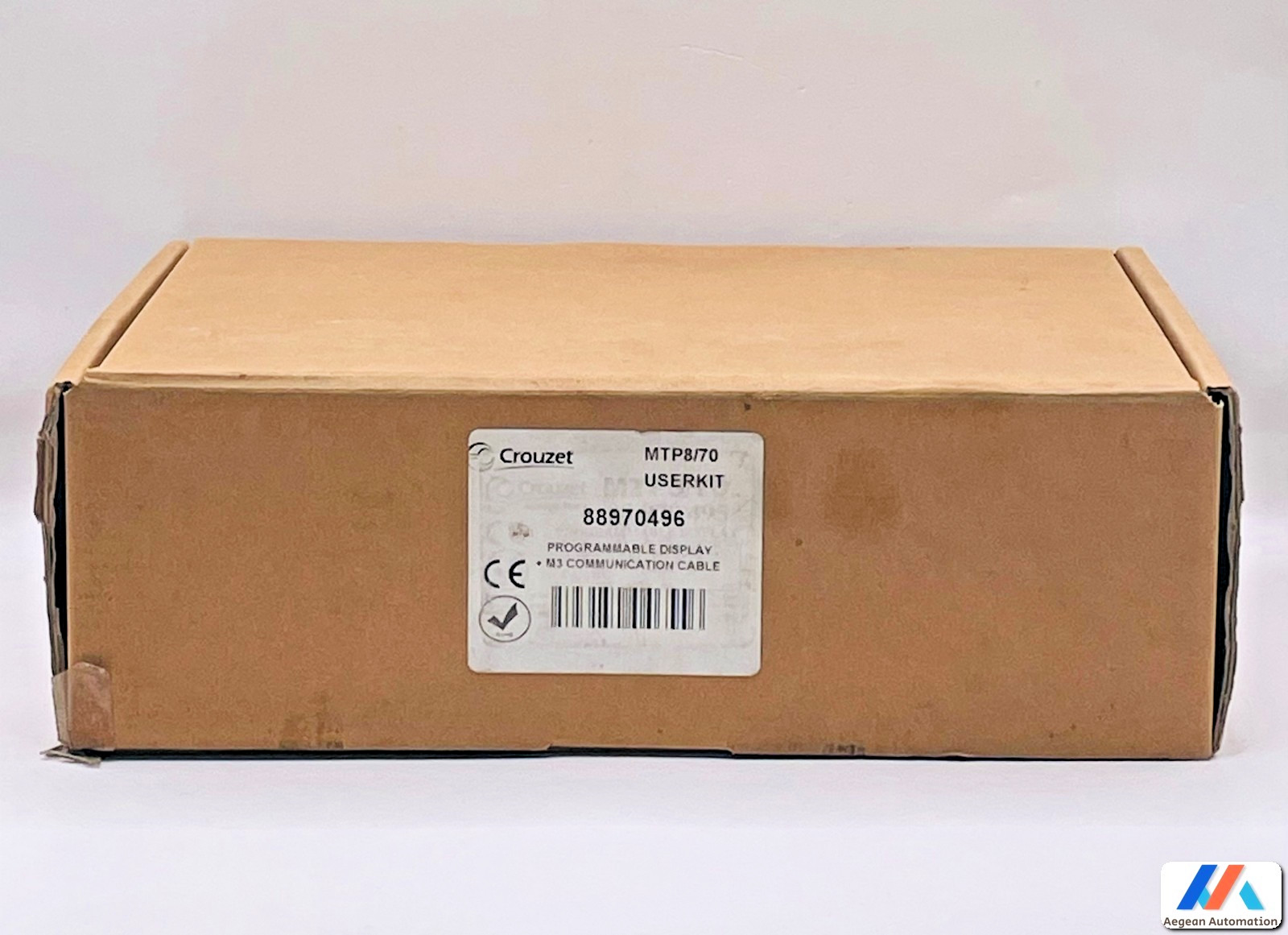
This is a complete touch-panel user kit aimed at Crouzet Millenium 3 projects. The item is new open box, built in Taiwan, and carries the MTP8/70 part number. If you need an operator-facing HMI for a Millenium 3 controller, this gives you the panel and the user kit in one purchase. The drawback is the price: at USD 1,971.92 it is the second-costliest item here. Also, the item has no UPC assigned (gtin does not apply), so it won't be useful for UPC-based inventory tracking. It is a production-oriented panel rather than a low-cost experiment board.
6AV6641-0CA01-0AX1 Siemens HMI Touch Panel
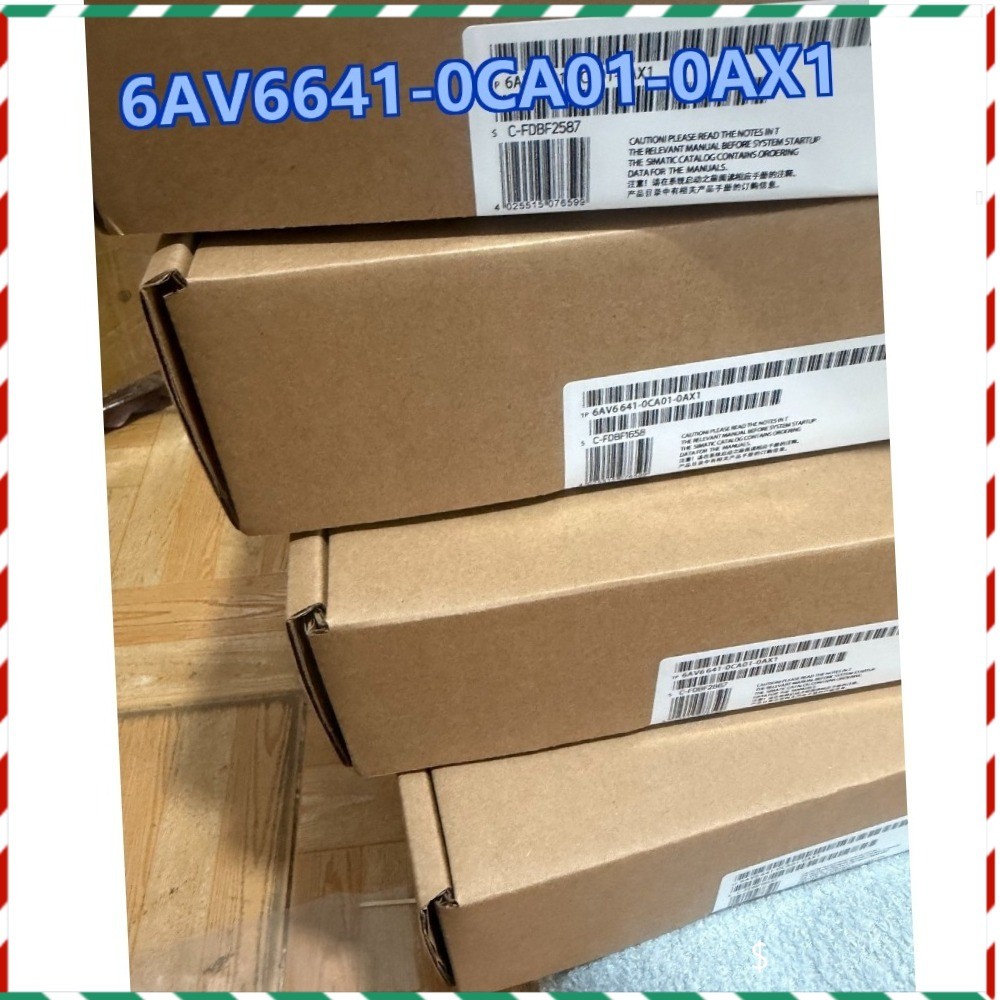
For a straightforward Siemens SIMATIC touch panel, this single 6AV6641-0CA01-0AX1 unit sits in the middle of the price range at USD 685.35. It is new, with the SIMATIC controller platform noted and Germany as country of origin. The panel is a good fit if you need one known part number for an existing SIMATIC setup. Because the item is a single unit, it suits a one-panel replacement or a small control station rather than a bulk multi-panel rollout. The price offers a more accessible entry point than the Crouzet kit, but it does not include the extra context of a full user kit.
Trainer KIT / XS26-2DE / Safety Controller / HMI
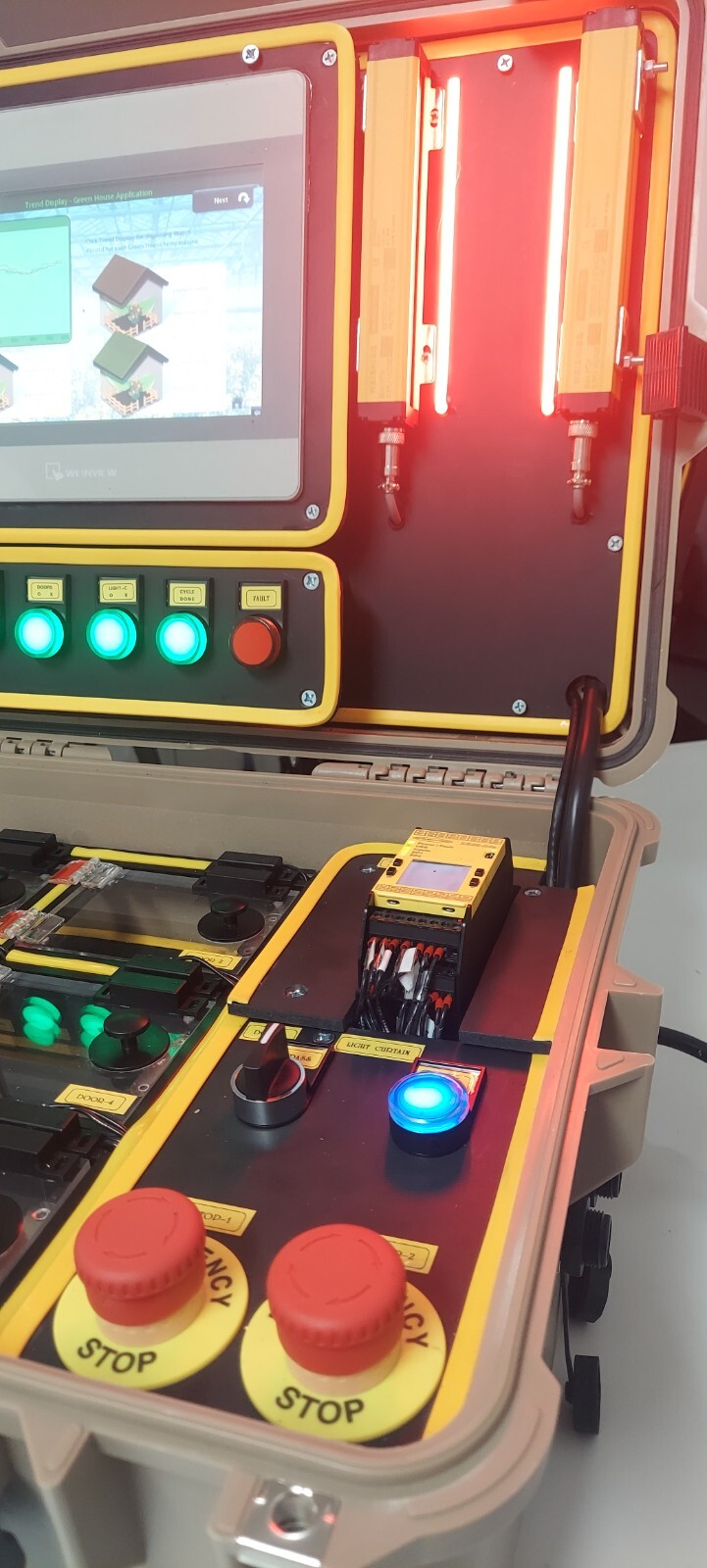
This is the most expensive item at USD 4,200.00, and it is explicitly a safety training kit rather than a general-purpose HMI. It combines a Banner Engineering XS26-2DE safety controller with HMI communication to a touch panel, plus 8 magnetic switches, 2 emergency stop buttons, 1 light curtain, logic reset buttons, and bypass features for door and light curtain status. All software is included. Choose this when you want hands-on practice with safety principles on real components. The limiting factor for most buyers is the price and the training-oriented scope: it isn't meant to be a permanent production interface panel.
Infineon Technologies KIT_XMC4X_HMI_OLED_001
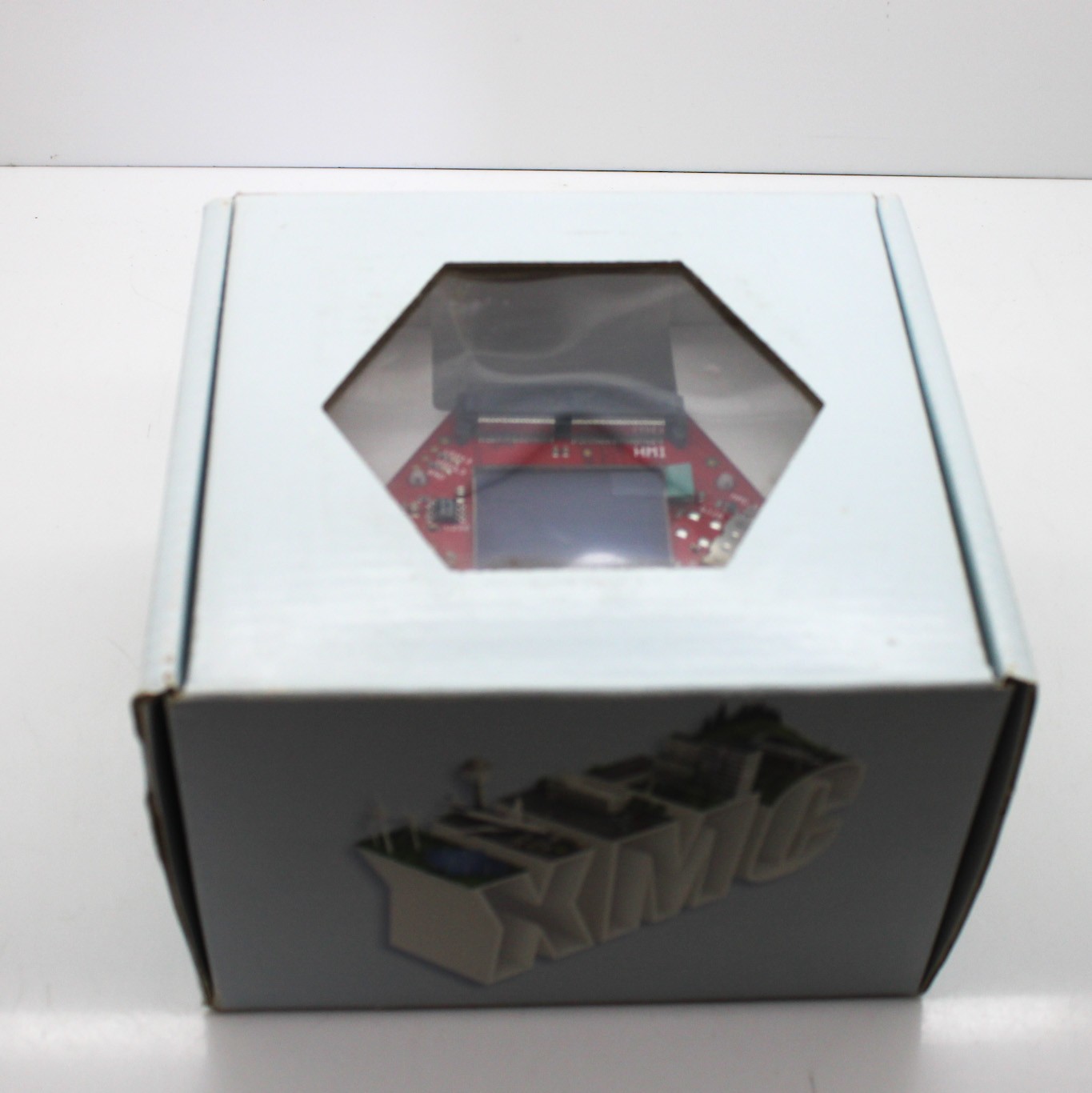
At USD 50.00, this is the lowest-priced option and the only one aimed at development work. It is an interface kit from Infineon Technologies for the XMC4500 OLED display, new, with UPC 735940170536. If you want to prototype an OLED-based HMI on an Infineon MCU, this is the least expensive way in. The kit comes as pictured and does not include any additional parts or accessories, so expect a bare interface kit rather than a complete touch panel. That makes it ideal for HMI graphics experimentation, but not a ready-to-mount operator station.
Final Recommendation by Use Case
- Production SIMATIC panel replacement: 6AV6641-0CA01-0AX1
- Crouzet Millenium 3 touch-panel user kit: CROUZET MTP8/70
- Safety controller and HMI training: Trainer KIT / XS26-2DE
- Low-cost OLED HMI prototyping: Infineon KIT_XMC4X_HMI_OLED_001
Between the two touch panels, the Siemens part gives you a lower-priced SIMATIC-native option, while the Crouzet kit supplies a full touch-panel package for Millenium 3. The Banner trainer is the one to choose if safety programming practice is the goal, and the Infineon kit is the obvious starting point for an OLED HMI experiment on a budget.