Choosing microcontrollers & dev boards gets tricky when a Raspberry Pi 3 B/B+ beginner kit is sold without the board while a PICkit 2 package includes a programmer and demo board. The key decision is whether you need accessories for a Raspberry Pi setup or a focused learning package for PIC programming. That distinction matters more than the word starter kit in either title.
The quick verdict
Choose the Raspberry Pi 3 B, B+ Beginner Level Starter Kit if you already have the board covered and want the lower-priced route to Raspberry Pi-related kit components. Choose the Microchip PICkit 2 Starter Kit if your goal is to program and debug PIC microcontrollers using the included PIC16F690 demo board. The difference between the two listed prices is $56.57, but the bigger divide is what each kit is designed to do.
Compact comparison
| Product | Listed price | Main decision cue |
|---|---|---|
| Raspberry Pi 3 B/B+ Beginner Level Starter Kit | USD 23.43 | Raspberry Pi accessory-focused kit; title says no board |
| Microchip PICkit 2 Starter Kit | USD 80.00 | PIC programming and debugging with PIC16F690 demo board |
Where each product wins
Raspberry Pi 3 B/B+ kit
This kit wins when the project is organized around Raspberry Pi 3 B or B+ accessories and the board will be obtained separately. Its title explicitly calls it beginner level, while the description covers compatible cases, power, HDMI, and heat-sink-related components. The kit-only format is a drawback for a complete board purchase, but it can be the more direct match for someone building out an existing Raspberry Pi setup.
Microchip PICkit 2 Starter Kit
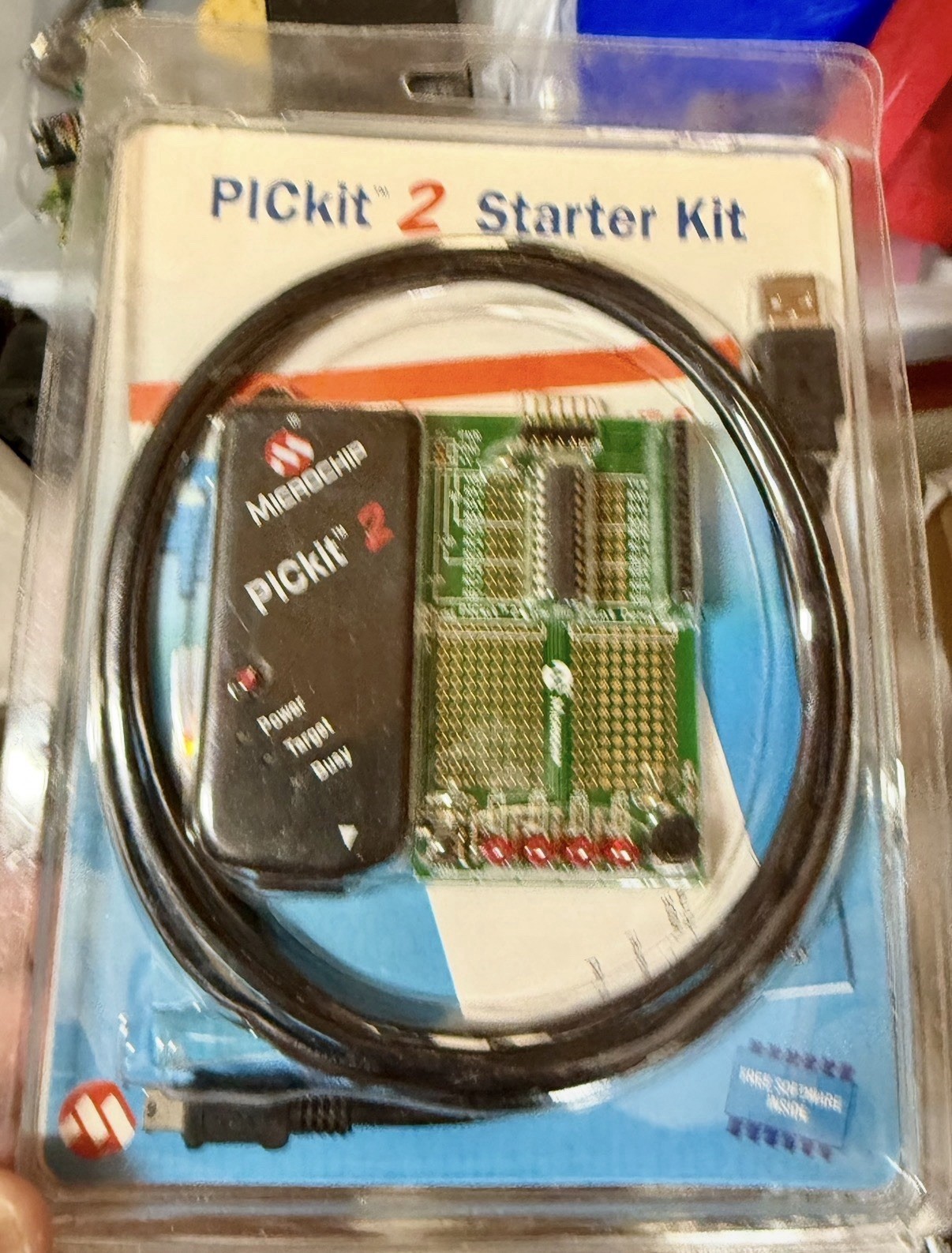
The PICkit 2 wins for structured PIC learning and embedded development. Its stated purpose is programming and debugging PIC microcontrollers, and the package includes a low-pin-count demo board with a PIC16F690. Support for many PIC microcontrollers and EEPROM devices gives it a clearly defined platform focus. It is less suitable when the project is specifically about Raspberry Pi 3 B/B+ accessories.
Product notes
Raspberry Pi 3 B/B+ Beginner Level Starter Kit
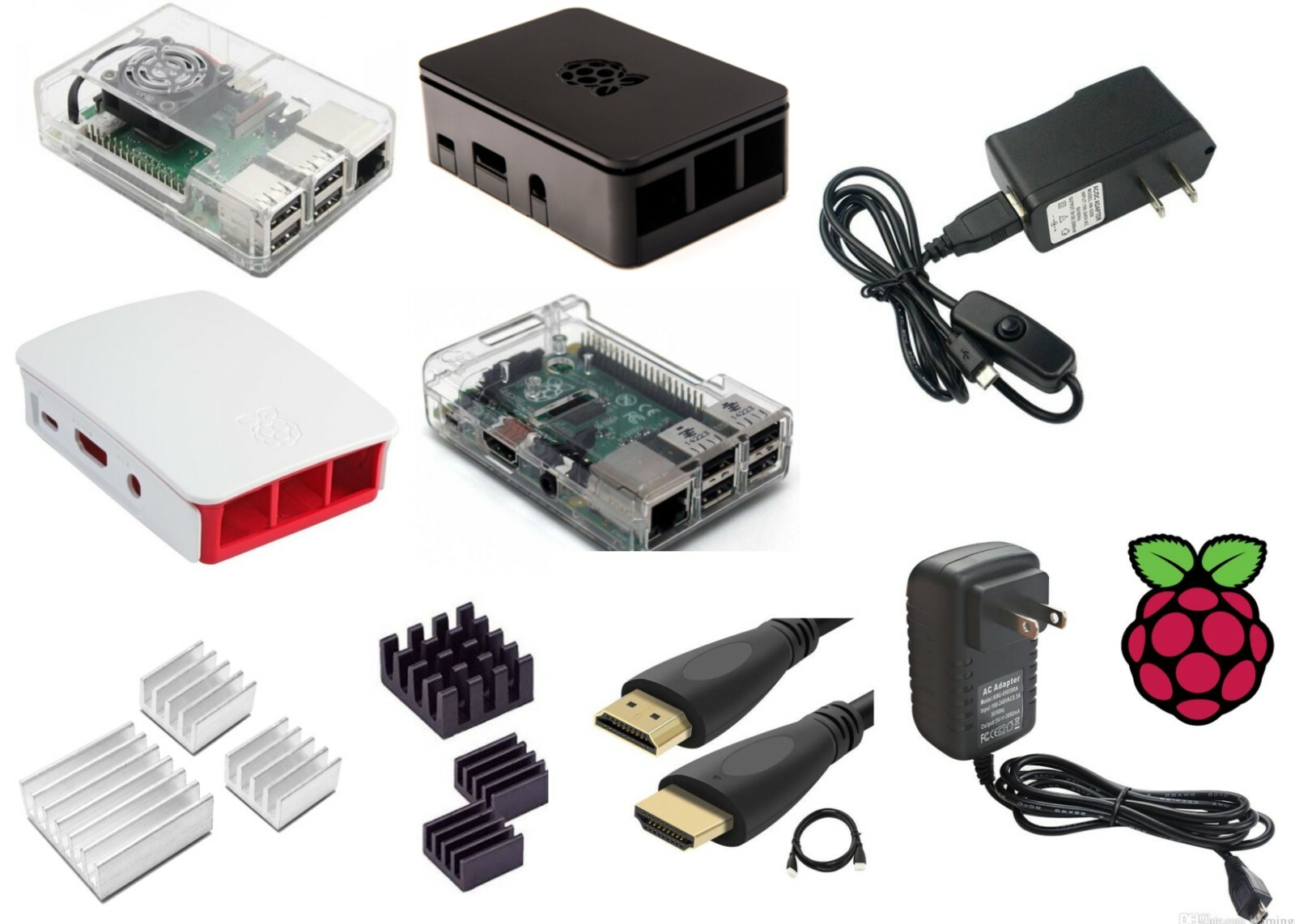
For a Raspberry Pi 3 B/B+ setup, this kit makes sense when the board itself is already handled and the next need is surrounding hardware. Its description centers on compatible cases, a regular power supply, HDMI cabling, and heat-sink choices, giving it a clear accessory-oriented role. The transparent case selection also makes the package distinct from a programming tool. The decisive limitation is stated directly in the title: No Board!, Kit ONLY. It therefore is not the right pick for someone expecting the Raspberry Pi board in the package. Choose it when the Raspberry Pi 3 B/B+ wording matches your project and a kit-only format is acceptable; pass on it when the purchase needs to begin with the board itself.
Microchip PICkit 2 Starter Kit
Microchip PICkit 2 Starter Kit is the more focused learning package of the pair. It combines a PICkit 2 USB programmer/debugger with a low-pin-count demo board and PIC16F690 microcontroller. The description also names tutorials, example projects, USB power, in-circuit programming, and support for many PIC microcontrollers and EEPROM devices. Those details give the kit a defined PIC-development role and make it a natural choice for learning that platform. Its limitation is equally clear: the package centers on PIC devices rather than Raspberry Pi hardware. Pick it for PIC tutorials, debugging, or embedded projects built around the PIC16F690; choose the Raspberry Pi kit for a Raspberry Pi accessory setup.
Final choice by use case
- Choose the Raspberry Pi 3 B/B+ Beginner Level Starter Kit for a kit-only accessory purchase tied to Raspberry Pi 3 B or B+.
- Choose the Microchip PICkit 2 Starter Kit for PIC programming, debugging, and hands-on work with the PIC16F690 demo board.
- If you need the board included, the Raspberry Pi kit's explicit kit-only wording rules it out. If you need a defined programmer-and-demo-board learning path, the PICkit 2 is the clearer fit.