Choosing among microcontrollers & dev boards is really a choice between project styles. The Raspberry Pi Zero V1.3 points toward a compact desktop-style setup, while the Digilent Basys 3 points toward FPGA-based custom logic and embedded systems. If your build needs a small computer-oriented board with RAM and MicroSD storage, the Pi is the more direct match. If the goal is to create custom logic designs, Basys 3 is the more relevant route. The prices are far apart, but the bigger difference is what each board is designed to help you build.
Quick verdict
Pick Raspberry Pi Zero V1.3 when a compact desktop format and lower listed price are the priorities. Pick Digilent Basys 3 when the project brief specifically calls for custom logic designs or FPGA development. A $56.01 spread separates the $42.99 Pi from the $99 Basys 3, so the lower price is meaningful-but it does not make the boards interchangeable. Treat the choice as project fit first, price second.
Compact comparison
| Consideration | Raspberry Pi Zero V1.3 | Digilent Basys 3 |
|---|---|---|
| Listed price | USD 42.99 | USD 99.00 |
| Condition | New | New - Open box |
| Stated direction | Desktop development board | General Embedded Development Board |
Where each wins
- Raspberry Pi Zero V1.3: wins if you want the lower listed price and a computer-style specification. Its description names 512 MB RAM, a MicroSD storage option, and integrated/on-board graphics, giving the choice a clear small-system orientation.
- Digilent Basys 3: wins if the project brief is custom logic designs or embedded systems. Its Xilinx Artix-7 XC7A35T core and Basys Artix-7 kit name make that direction explicit.
Raspberry Pi Zero V1.3
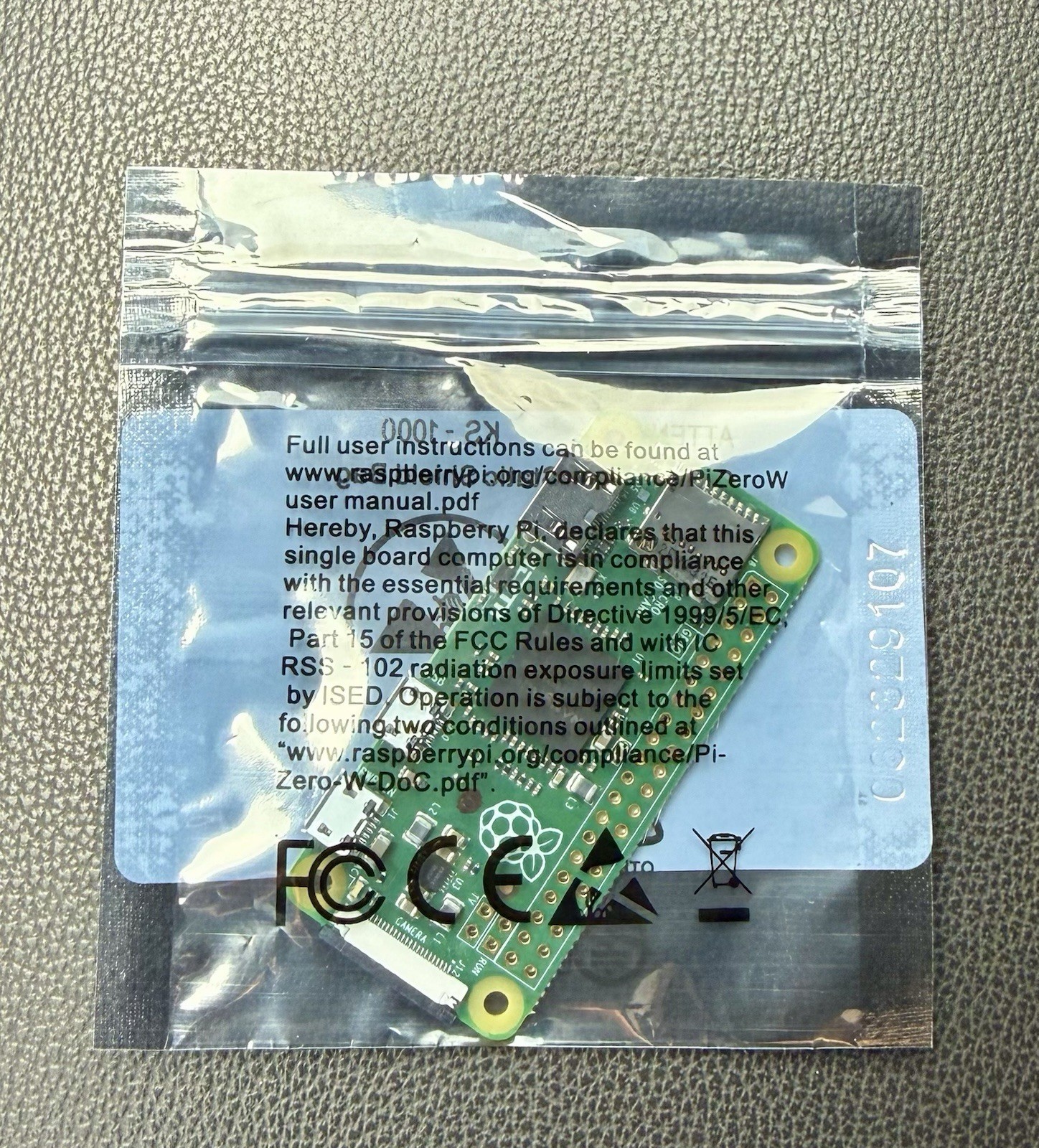
The Raspberry Pi Zero V1.3 is the more direct fit for a compact desktop-style build. Its concrete configuration includes 512 MB of RAM, a MicroSD storage option, and integrated/on-board graphics, so the board's direction is easy to match to a small computer-oriented project. That is the reason to choose it over the FPGA board when memory, storage, and graphics are central to the brief. The limitation is the same focus: the named setup is centered on desktop computing details rather than the custom-logic workflow associated with Basys 3. The lower listed price reinforces the Pi's appeal for a shopper whose project does not require that FPGA direction. Choose it when Raspberry Pi Zero's compact desktop identity fits the build.
Digilent Basys 3 FPGA Development Board
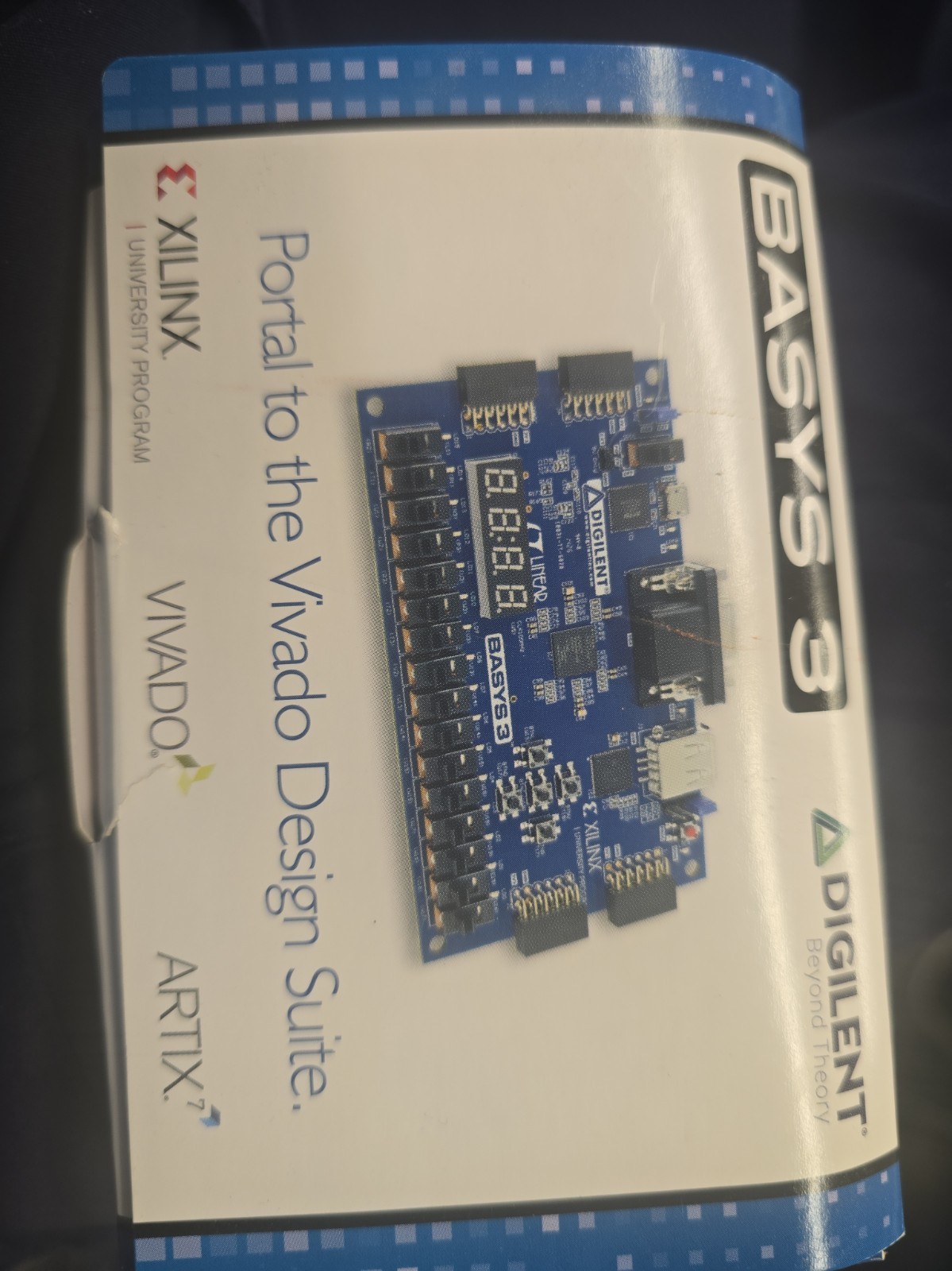
Digilent Basys 3 FPGA Development Board Xilinx Artix-7 XC7A35T earns its place when the work calls for custom logic designs or embedded systems. The Xilinx Artix-7 XC7A35T core, Basys Artix-7 kit name, and General Embedded Development Board type all point to that FPGA-oriented direction. Choose it when designing around FPGA technology matters more than a compact desktop-style setup. Its limitation is fit for computer-oriented projects: the description frames the board through FPGA and logic design, while the Raspberry Pi Zero is described with RAM, MicroSD storage, and integrated/on-board graphics. The New - Open box condition is also a concrete distinction to weigh. Basys 3 is the purposeful choice for logic-focused work, not a substitute for every desktop-board use.
Final choice by use case
- For a compact desktop-style project: choose Raspberry Pi Zero V1.3, the computer-oriented board in this comparison.
- For custom logic or FPGA development: choose Digilent Basys 3, the FPGA development board named in its title.
- For a price-first decision: choose Raspberry Pi Zero V1.3; the $56.01 spread makes that lower-cost direction concrete.
The deciding question is simple: do you want the Pi Zero's desktop-oriented setup, or Basys 3's FPGA-centered development path? Choose by that answer rather than comparing the boards as if they serve the same role.