Quick Verdict
In the PLC and HMI space, you have two very different ways to put an HMI in front of a control system: a $50 Infineon interface kit and a $614 Siemens SIMATIC HMI KTP700 panel. If the goal is to prototype a custom display interface, the Infineon kit is the lower-cost way to start. If the goal is a complete operator panel, the Siemens HMI is the more finished answer. The choice is really between development flexibility and a ready operator interface.
At a Glance
| Infineon XMC4500 OLED Kit | Siemens SIMATIC HMI KTP700 | |
|---|---|---|
| Listed price | $50.00 | $614.00 |
| Price indicator | ||
| Form | Interface kit for OLED display | Touch screen HMI |
| Target setup | XMC4500-based development | S7-300 controller platform |
| Best for | Prototyping an HMI | Deploying an operator station |
Where Each Product Wins
The Infineon kit wins when the project is a custom display interface rather than a full operator station. It is the more affordable route to driving a display, and the kit itself keeps the entry point simple for evaluation.
The Siemens panel wins when the panel has to work as a real operator interface. It is the more complete HMI package for someone who needs a front end for a control system. Its higher price reflects that larger feature set.
Most buyers will self-select quickly once they think about the end of the project. An engineer debugging a display layout on a desk will prefer the Infineon kit. A facility integrating an operator station into a production line will prefer the Siemens panel. Neither is a wrong answer; they simply answer different questions.
Product Notes
Infineon Technologies Kit Interface XMC4500 OLED Display
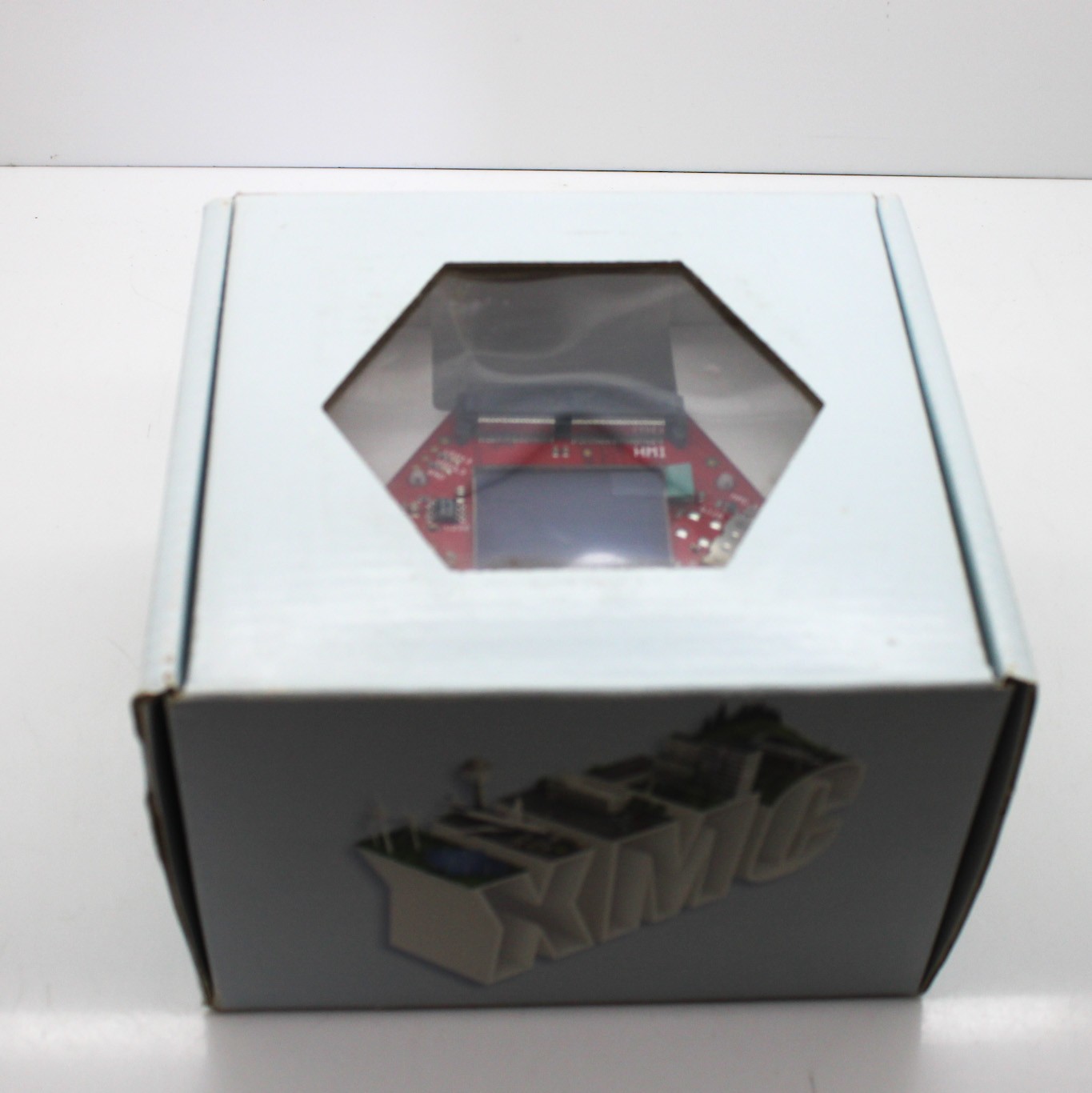
The Infineon KIT_XMC4X_HMI_OLED_001 is best understood as a focused interface kit. If your project is a custom HMI experiment where you need direct control over the screen, this is the lower-priced route in this head-to-head. The kit comes without extra parts or accessories, so plan to add what your experiment needs. It is a development tool rather than a ready-to-use operator terminal, and that distinction matters if your end goal is a machine panel. For someone who wants to test screen logic and display graphics on an XMC4500 before committing to a larger operator panel, this kit is the practical starting point.
Siemens SIMATIC HMI KTP700 Touch Screen
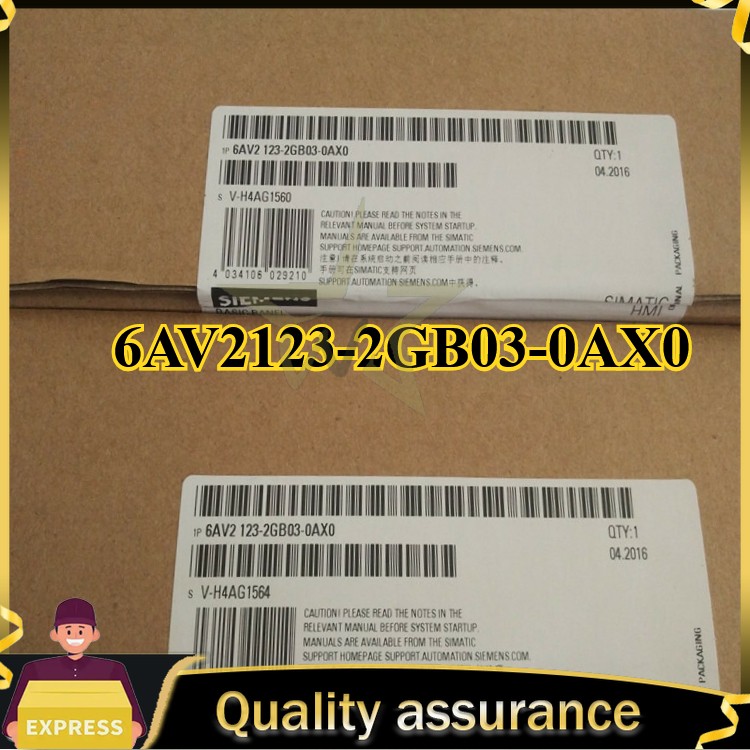
Siemens takes a different approach. This HMI is a complete operator interface with a controller platform designed around S7-300 systems. If your control layout already uses S7-300, this panel gives you a more finished HMI path than building one from a development kit. It is AC-powered and positioned for a production control environment. The main limitation is price: it is the higher-cost option in this comparison, and that expense only makes sense when you need a full operator panel for a live control system. For a complete industrial front end, this Siemens HMI is the more complete answer.
Final Choice by Use Case
- For a low-cost HMI prototype: Choose the Infineon KIT_XMC4X_HMI_OLED_001. You get a display interface at the low end of this price spread, with room to experiment.
- For an operator panel for a control system: Choose the Siemens SIMATIC HMI KTP700. You pay at the high end of the spread, but you get a complete operator panel for a production environment.
Both choices are valid; the deciding factor is whether you need a development tool or a production front end.