Choosing among microcontrollers & dev boards can feel like a choice between price and capability, but the key question is project type. Do you want an Arduino-style board for connecting everyday components and learning through small circuits, or an FPGA board aimed at custom logic and embedded systems? UNO R3 and Digilent Basys 3 answer those needs differently. The useful decision is matching the board's core and stated purpose to the work you want to do.
Quick verdict
For a first electronics build, choose the UNO R3 Board ATmega328P Development Board with USB Cable Compatible Arduino IDE. Its title names Arduino IDE compatibility and a USB cable, while its description centers on LEDs, buzzers, buttons, photoresistors, and other electronic components. For custom logic designs or FPGA-focused embedded work, choose the Digilent Basys 3 FPGA Development Board Xilinx Artix-7 XC7A35T, whose title and description identify an FPGA core and custom-logic use. The listed-price gap is $92.05, so the decision should follow the required platform rather than price alone.
Comparison at a glance
| Board | Listed price | Core | Type |
|---|---|---|---|
| UNO R3 Board ATmega328P Development Board with USB Cable Compatible Arduino IDE | USD 6.95 | Arduino | Microcontroller Development Board |
| Digilent Basys 3 FPGA Development Board Xilinx Artix-7 XC7A35T | USD 99.00 | FPGA | General Embedded Development Board |
Where each product wins
- UNO R3 wins for introductory component projects. The description specifically covers connecting sensors, LED lights, buzzers, buttons, and photoresistors, making its role clear for hands-on circuit learning.
- Digilent Basys 3 wins for custom logic work. Its stated direction is creating custom logic designs and embedded systems around the Xilinx Artix-7 XC7A35T core, which is a more direct match for an FPGA requirement.
Product notes
UNO R3 Board ATmega328P Development Board with USB Cable Compatible Arduino IDE
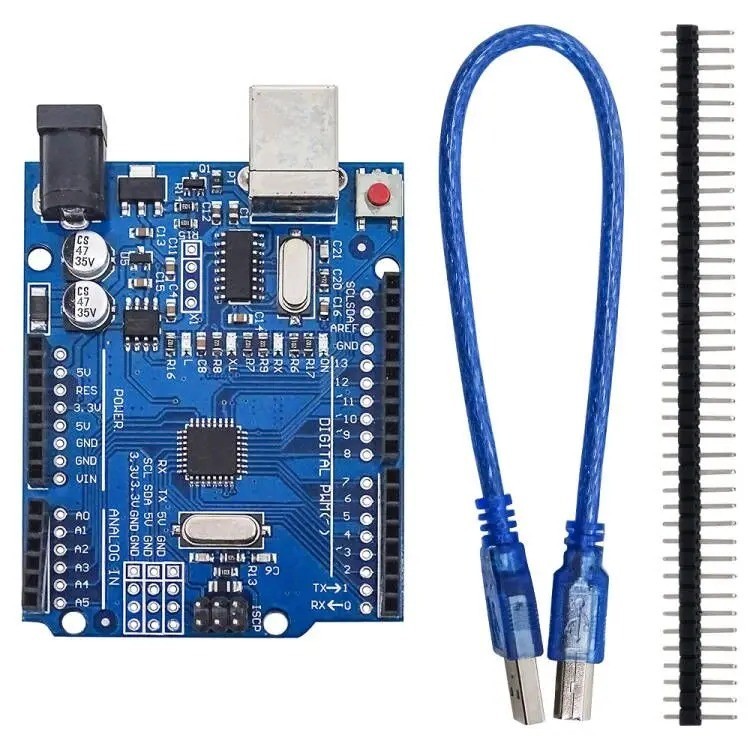
The UNO R3 Board ATmega328P Development Board with USB Cable Compatible Arduino IDE is easy to place in a beginner-focused project because the title combines an ATmega328P development board, USB cable, and Arduino IDE compatibility. The description adds pin sockets and straightforward connections for LEDs, buzzers, buttons, photoresistors, and other electronic components. That makes the listed setup especially relevant when the goal is to learn by wiring familiar parts rather than designing custom logic. The concrete limitation is its Arduino core and 5V DC/3.3V output description: a project whose requirement is an FPGA platform would call for a different fit. Choose it for simple Arduino-centered builds, not an FPGA core.
Digilent Basys 3 FPGA Development Board Xilinx Artix-7 XC7A35T
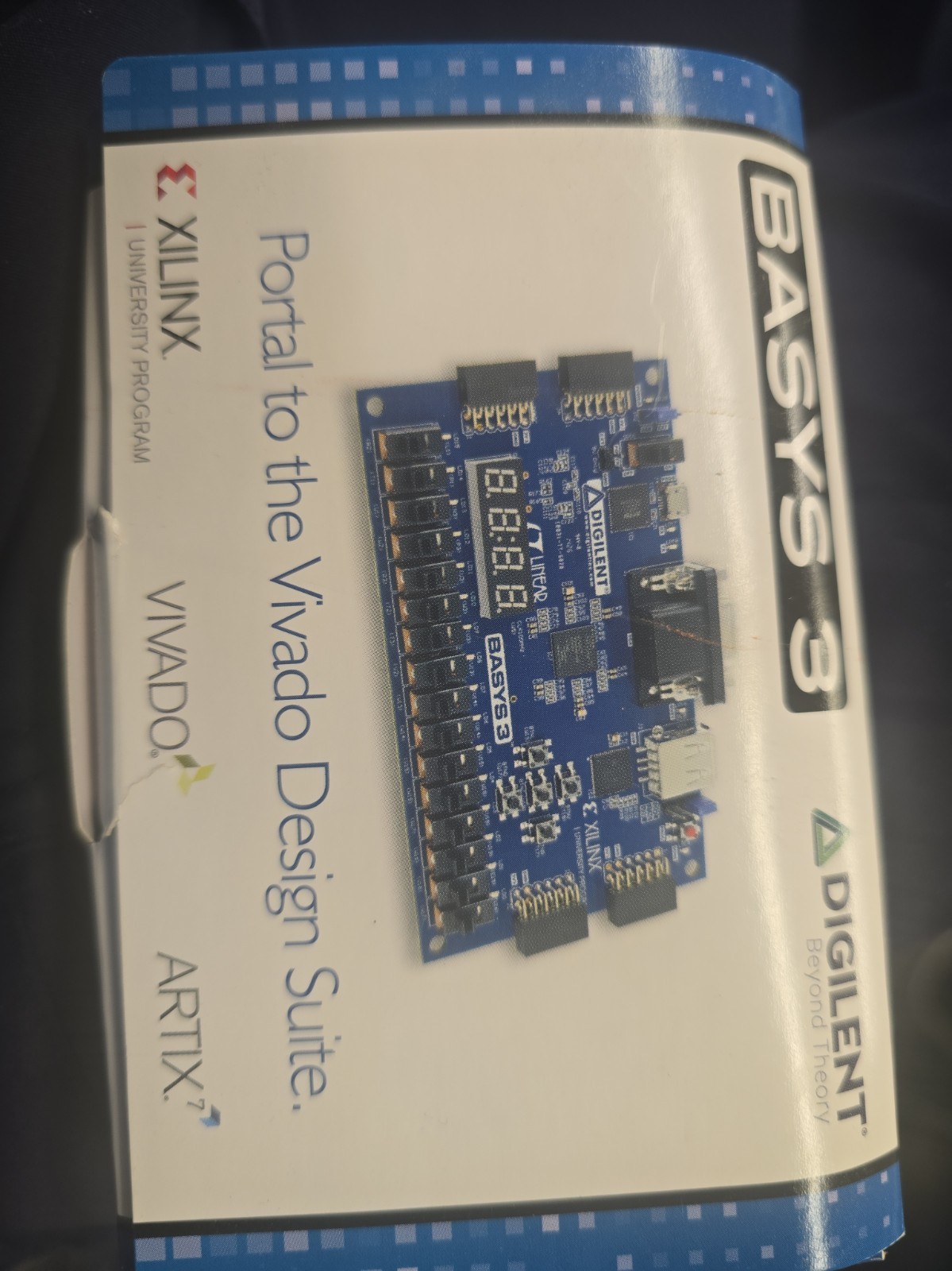
Digilent Basys 3 FPGA Development Board Xilinx Artix-7 XC7A35T makes the most sense when the project brief names custom logic designs or embedded systems. Its description identifies the Xilinx Artix-7 XC7A35T core, the Basys Artix-7 kit, and a general embedded development board, giving shoppers a clear FPGA-centered direction. The limitation is equally concrete: its stated focus is less direct for the component-led, beginner exercises described for the UNO R3. If the task is specifically an Arduino-style circuit involving familiar sensors and basic electronic parts, the Basys 3 does not match that purpose as closely. Choose it when the FPGA requirement is central to the project.
Final choice by use case
- Choose UNO R3 for Arduino IDE projects, beginner electronics, and builds involving LEDs, buzzers, buttons, photoresistors, or similar components.
- Choose Digilent Basys 3 when the project calls for an FPGA core, custom logic designs, or a general embedded development board.
- Use the price difference as a secondary filter. The UNO R3 is the clearer fit when its Arduino-centered role matches the assignment; the Basys 3 is the clearer fit when the assignment specifically names FPGA work.