Choosing between microcontrollers & dev boards usually comes down to a practical fork: do you want a straightforward board for learning and basic electronics, or a newer architecture with more defined USB and processor features? The UNO R3 and Raspberry Pi RP2350A serve those different starting points, and the right choice depends more on your project than on the higher number in a specification.
Quick verdict
Choose the UNO R3 ATmega328P Development Board for beginner-oriented electronics projects involving sensors, LEDs, buttons, buzzers, and an Arduino-style workflow. Choose the Raspberry Pi RP2350A USB Development Board when your build specifically calls for its dual-core, dual-architecture controller or USB host/device support. The absolute price spread is $10.83, making the decision a trade-off between a simple learning path and a more feature-defined development platform.
Compact comparison
| Board | Listed price | Main platform detail | Practical fit |
|---|---|---|---|
| UNO R3 ATmega328P | USD 6.95 | ATmega328P, Arduino IDE compatible, USB cable | Basic electronics and beginner projects |
| Raspberry Pi RP2350A | USD 17.78 | RP2350A, dual-core, dual-architecture, USB development board | Builds centered on the RP2350A platform |
Where each board wins
- UNO R3 wins for approachable experiments. Its pin socket is designed to make DuPont-line connections easier, and its stated examples cover familiar components such as LEDs, buzzers, buttons, and photoresistors. That makes it a natural Arduino development board for learning through small circuits.
- Raspberry Pi RP2350A wins when the controller architecture is the requirement. It combines an ARM Cortex-M33 processor with a Hazard 3 RISC-V processor, and it supports USB 1.1 host and device functions plus one USB expansion port. Those are concrete reasons to choose it over a simpler board when the project brief points to those capabilities.
Board notes
UNO R3 ATmega328P Development Board
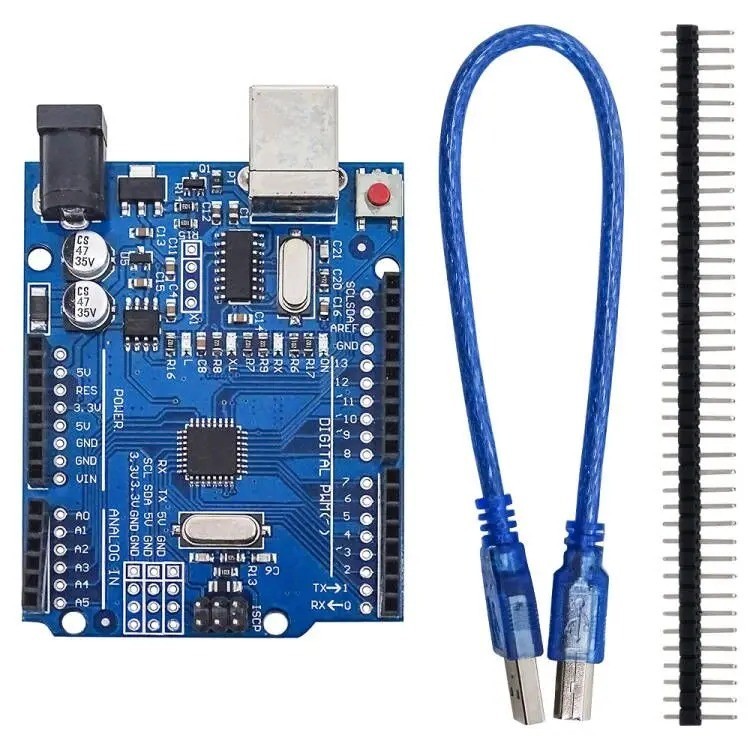
The UNO R3 is a straightforward match for a first electronics project. Its ATmega328P controller, included USB cable, and compatibility with Arduino IDE projects give beginners a clear starting point, while the pin socket supports easier DuPont connections. The board's stated examples-LEDs, buzzers, buttons, and photoresistors-also make its intended learning path easy to understand. Its limitation is that it is framed around the ATmega328P and Arduino IDE rather than the RP2350A's dual-core, dual-architecture setup. The listed output choices are 5V DC and 3.3V DC, so a design calling for another voltage would need a different electrical plan. Choose this board when simple component experiments matter more than the newer platform's architecture.
Raspberry Pi RP2350A USB Development Board
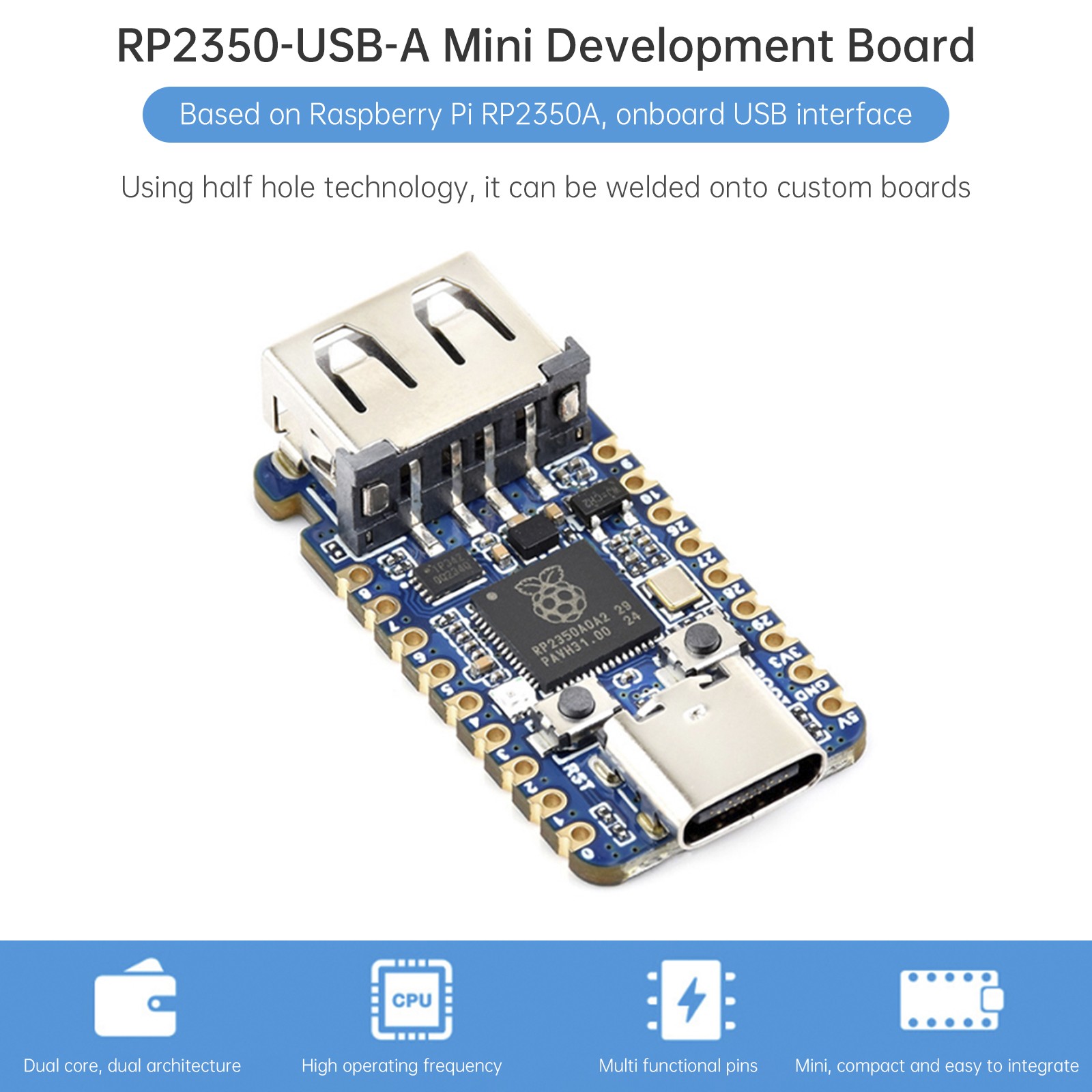
The Raspberry Pi RP2350A board makes sense when a project centers on the RP2350A controller rather than the UNO family. Its dual-core, dual-architecture design combines ARM Cortex-M33 and Hazard 3 RISC-V processors, with 520KB of SRAM and 2MB of on-chip Flash. USB 1.1 host and device support, along with one USB expansion port, gives it a clearly defined USB-oriented role. The limitation is its higher listed price and a feature set that may be unnecessary for a basic LED, button, or photoresistor exercise. Its stamp-hole design is another concrete board detail, but that alone does not determine whether its architecture suits your code. Choose it when those processor and USB capabilities are part of the project brief.
Final choice by use case
- For beginner sensor and component experiments: choose the UNO R3, especially if the pin-socket approach and Arduino IDE compatibility match how you plan to learn.
- For a project requiring RP2350A architecture: choose the Raspberry Pi board for its dual-core, dual-architecture design.
- For USB host/device-oriented development: choose the Raspberry Pi RP2350A, which explicitly includes those functions and a USB expansion port.
- When the $10.83 price spread is decisive: choose the UNO R3 if its ATmega328P platform covers the project; choose the Raspberry Pi board when the RP2350A requirements are non-negotiable.