When you're shopping in the PLC and HMI space, the first fork in the road is usually the same: do you need a complete environment to build and exercise safety logic, or do you need a single screen to run an operator interface? One answer is a hands-on training kit; the other is a standalone touch panel. The Banner Engineering XS26-2DE Trainer Kit and the Siemens SIMATIC HMI KTP700 Touch Screen are two different ways to spend money on the same broad category.
Quick Verdict
If your goal is to learn safety programming with real components, the XS26-2DE Trainer Kit gives you the full loop: safety controller, HMI, magnetic door switches, emergency stops, a light curtain, and reset and bypass logic. If your goal is more contained-put a touch screen in front of an existing controller-the Siemens SIMATIC HMI KTP700 is the focused choice. Project scope is the real decision.
Comparison at a Glance
| Decision factor | XS26-2DE Trainer Kit | Siemens SIMATIC HMI KTP700 |
|---|---|---|
| Listed price | USD 4,200.00 | USD 614.00 |
| Product type | Safety training kit with HMI | Touch screen HMI panel |
| Brand | Banner Engineering | Siemens |
| Model / platform | Model XS26-2DE safety controller | Controller platform S7/300 |
| Components | MT8102ie HMI, 2 E-Stops, light curtain, 8 magnetic switches per door, RESET buttons, bypass, software | HMI panel |
Where Each Product Wins
Where the XS26-2DE Trainer Kit wins: It is built for practice. The package is designed to be wired and programmed together, so the learning loop is complete. Instead of piecing together a controller, HMI, and safety elements, you have one integrated environment to work through safety logic.
Where the Siemens SIMATIC HMI KTP700 wins: It is the simpler buy at the price comparison level. At $614 versus $4,200, you can add a functional HMI without taking on the full trainer package. Its straightforward HMI role is easy to fit into an existing control panel.
Product Notes
XS26-2DE Trainer Kit
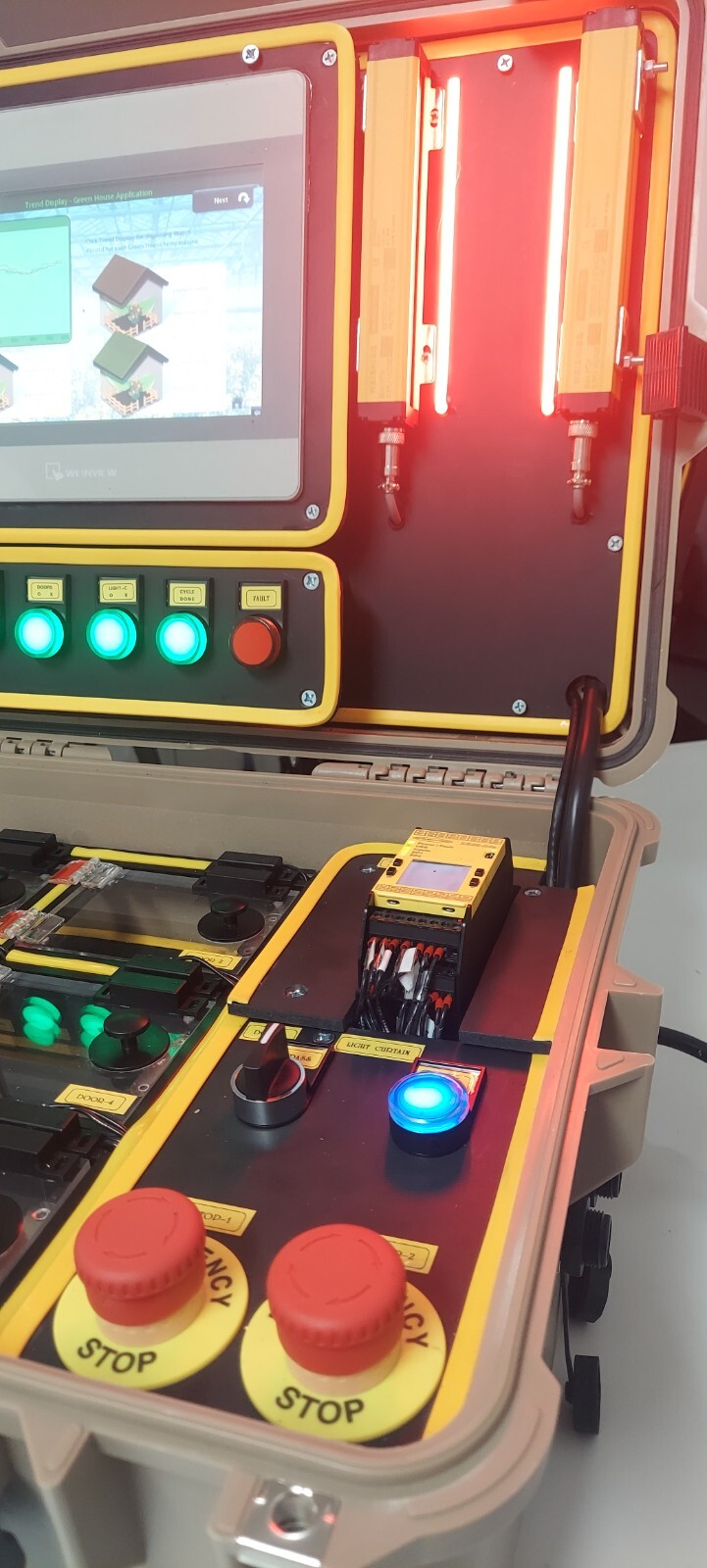
Hands-on practice is the reason this kit exists. Instead of sourcing each component separately, you get one package that is meant to be wired and programmed together. Banner Engineering's controller anchors the setup, and the included software removes the usual extra step of assembling a working environment on your own. For someone who wants to see inputs and outputs respond to the safety logic they wrote, that direct loop is the concrete reason to choose it. That makes it a strong choice when your priority is understanding how safety devices interact. The limitation is one of scope: this is a training bundle, not a single interface, so you should only go this route when hands-on safety practice is actually the goal.
Siemens SIMATIC HMI KTP700 Touch Screen
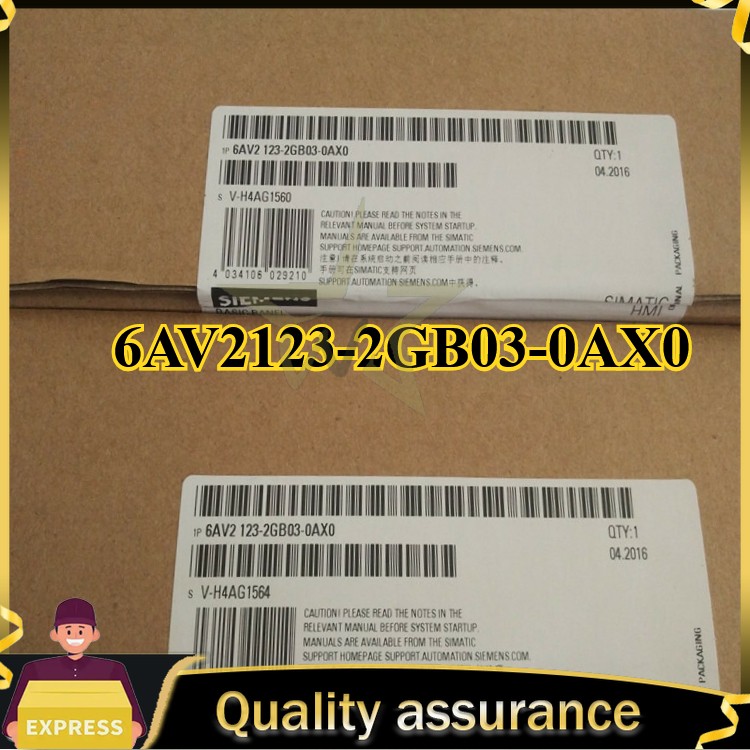
The Siemens SIMATIC HMI KTP700 Touch Screen takes the opposite approach: one HMI, clearly named, with Germany as its stated country of origin. For a control setup already built around Siemens SIMATIC equipment, this HMI gives you a direct operator interface option without taking on the complexity of a full trainer. The concrete reason to choose it is that it is a dedicated HMI, made for display and operator input. If that is the missing piece in your panel, this is the more direct purchase. The trade-off is scope: as a dedicated HMI, its job is interface duty; the hands-on safety practice environment with surrounding components is what the XS26-2DE Trainer Kit package provides.
Final Choice by Use Case
- Choose the XS26-2DE Trainer Kit when you want to practice safety logic from home, wire the kit together as one integrated controller-and-HMI setup, and keep all the learning pieces in one place.
- Choose the Siemens SIMATIC HMI KTP700 Touch Screen when you need an operator interface for an S7/300-based controller and your project is better served by a single HMI purchase.